
 About Us
 Why K12?
 Safety Needs
 How Students Succeed
 FAQs
FAQs Online Elementary School
 Online Middle School
 Career and College Prep
 Online High School
 Student Clubs
 Career and College Services
 Inside the Online Classroom
 A Day in the Life
 Social & Extracurricular
 Advice, Tips & Inspiration
 Benefits for Life
 Enroll
 All School Options
 Need More Help?
Curriculum Highlights
Young learners and Learning Coaches will enjoy less stress and more fun, while older students will find some cool new features.
Enrollment for the 2026–2027 school year is open! Learn how to apply.

Your student’s education reservation is waiting. Keep them in the community they know and love, and together, we’ll make the 2026–2027 school year the best yet.

Check out all the things your K12-powered student has in store for the new school year!
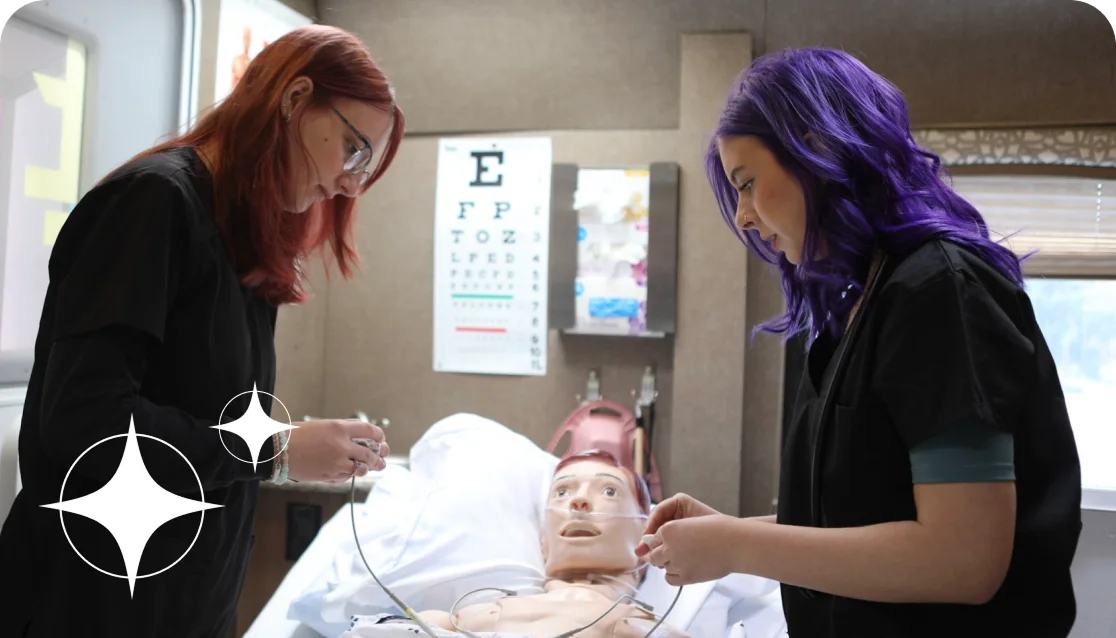
Access a wealth of courses and resources to help students get a jump-start on their plans for college, career, or both!

Join your virtual village to connect with Learning Coaches and access engaging content, discussions, and helpful resources.
You can make use of the Forgot PW link on the enrollment portal login page: https://enrollmentportal.K12.com/s/login/
The enrollment portal login information is not the same as the K12 School (OLS). Visit the enrollment portal page if you need to recover your password: https://enrollmentportal.K12.com/s/login/
When you sign up right away, you secure your student’s spot for the fall and gain access to additional resources, including contests, competitions, and fun summer programs.
Equipment does not need to be returned, but some materials do. You will be contacted if you need to return your materials.
The time frame for re-registration approval varies based on school policy and document processing time. Your re-registration status will be updated to “approved” once all required documents have been reviewed and accepted.
States have varying public schooling requirements, and virtual schools often need updated information to confirm eligibility for the upcoming school year, as mandated by local or state governments.
That’s okay! You can select “Undecided.” We’ll check in occasionally, but you can always update your status by logging in to your OLS school account and selecting the “Re-Register for Fall” link.
No problem! You can always contact an agent at help.K12.com for assistance. We will also send enrollment and shipping confirmation notices in the summer before materials ship to your home.
Materials begin shipping about two weeks before your student is set to start school. You can track the status of your shipments in the OLS. Check out this article to learn more: https://www.help.K12.com/s/article/Track-Shipping-Status-Materials-Computer-Equipment
Call 866.989.0716 or reach out to your teacher for further assistance.

Re-register online to reserve your student’s seat for the upcoming school year.
To start, log in to your enrollment portal and confirm your student will be returning.
Next, verify your student’s information and upload any documents, if needed.
Need help? Call 877.382.7610